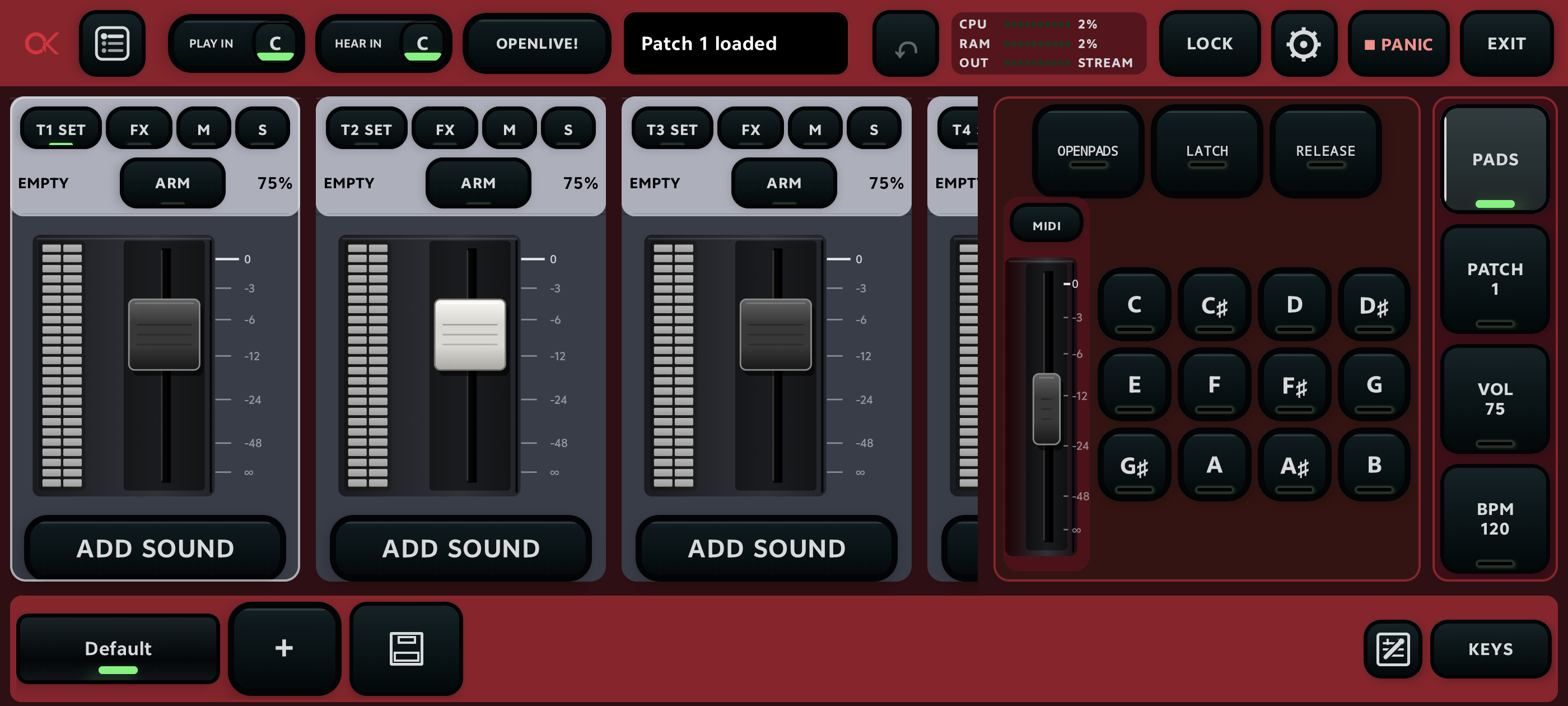
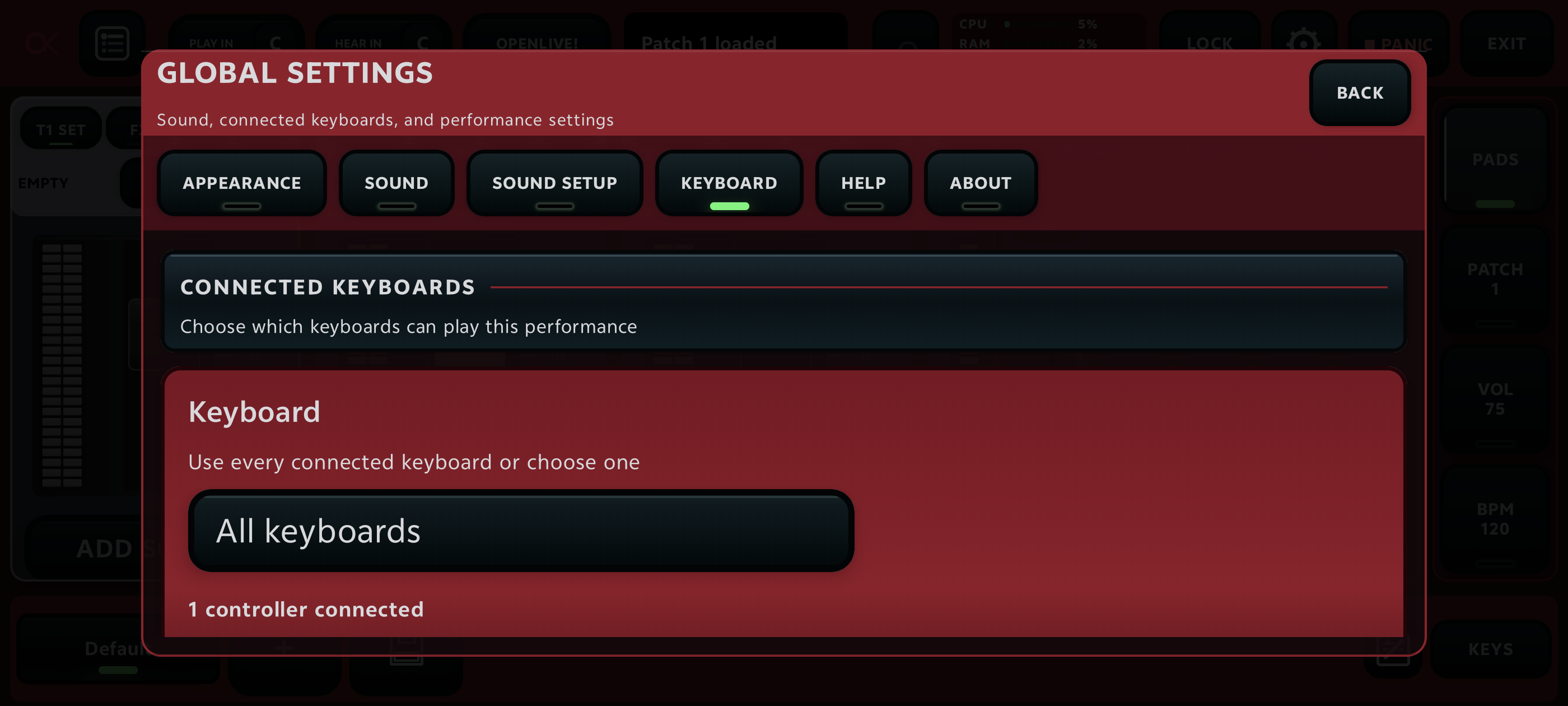
The keyboard is connected but there is no MIDI response
Confirm keyboard power, reconnect the USB cable, approve Android device access, and inspect the MIDI device list. Try another cable or hub port before rebuilding the patch.
MIDI responds but there is no sound
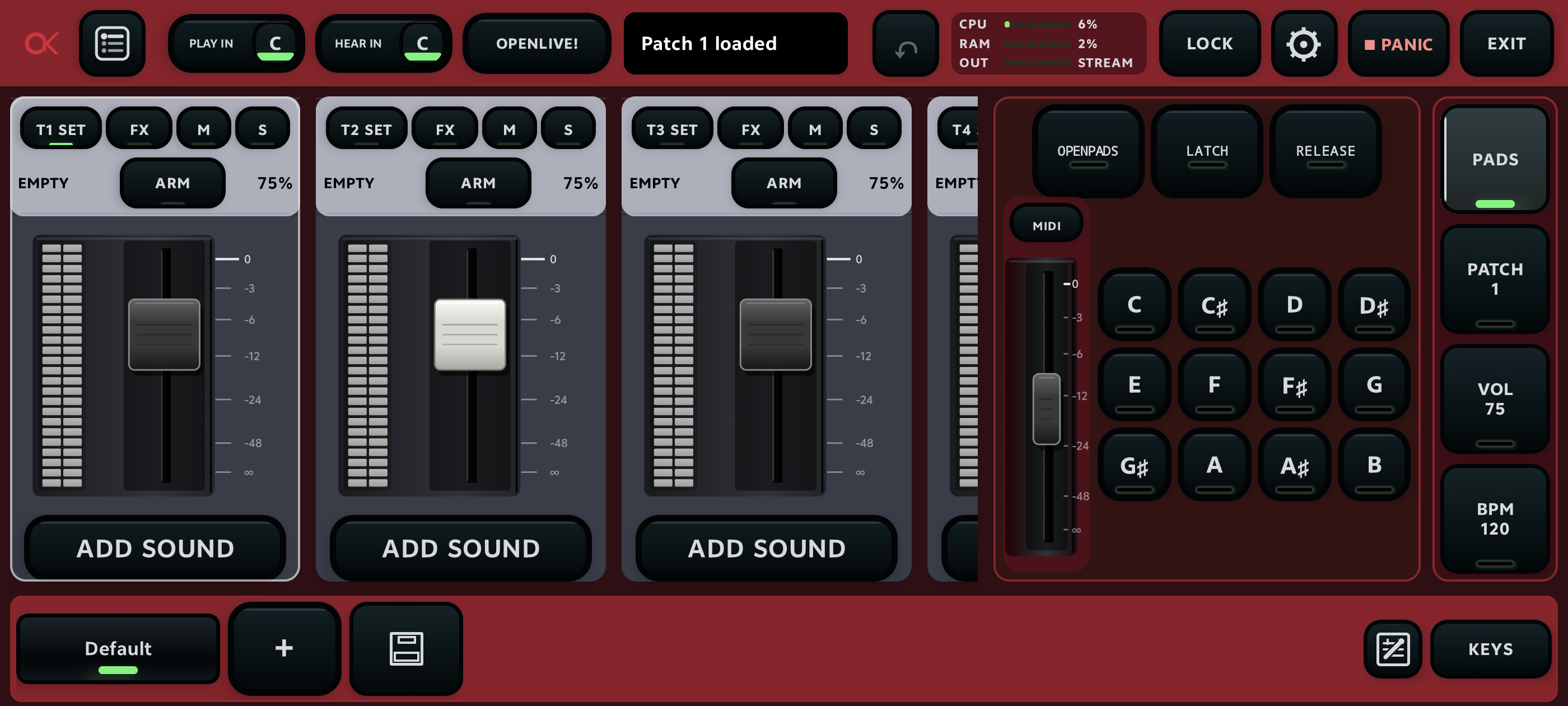
Check the selected audio output, master level, channel mute states, interface gain, and physical speaker path. Start with levels low before reconnecting output hardware.
There are clicks, crackles, or dropouts
Choose the next safer latency mode, close unnecessary background activity, and retest the busiest scene. Remove unnecessary layers or heavy effects before adding more processing.
The wrong scene or OpenNotes section appears
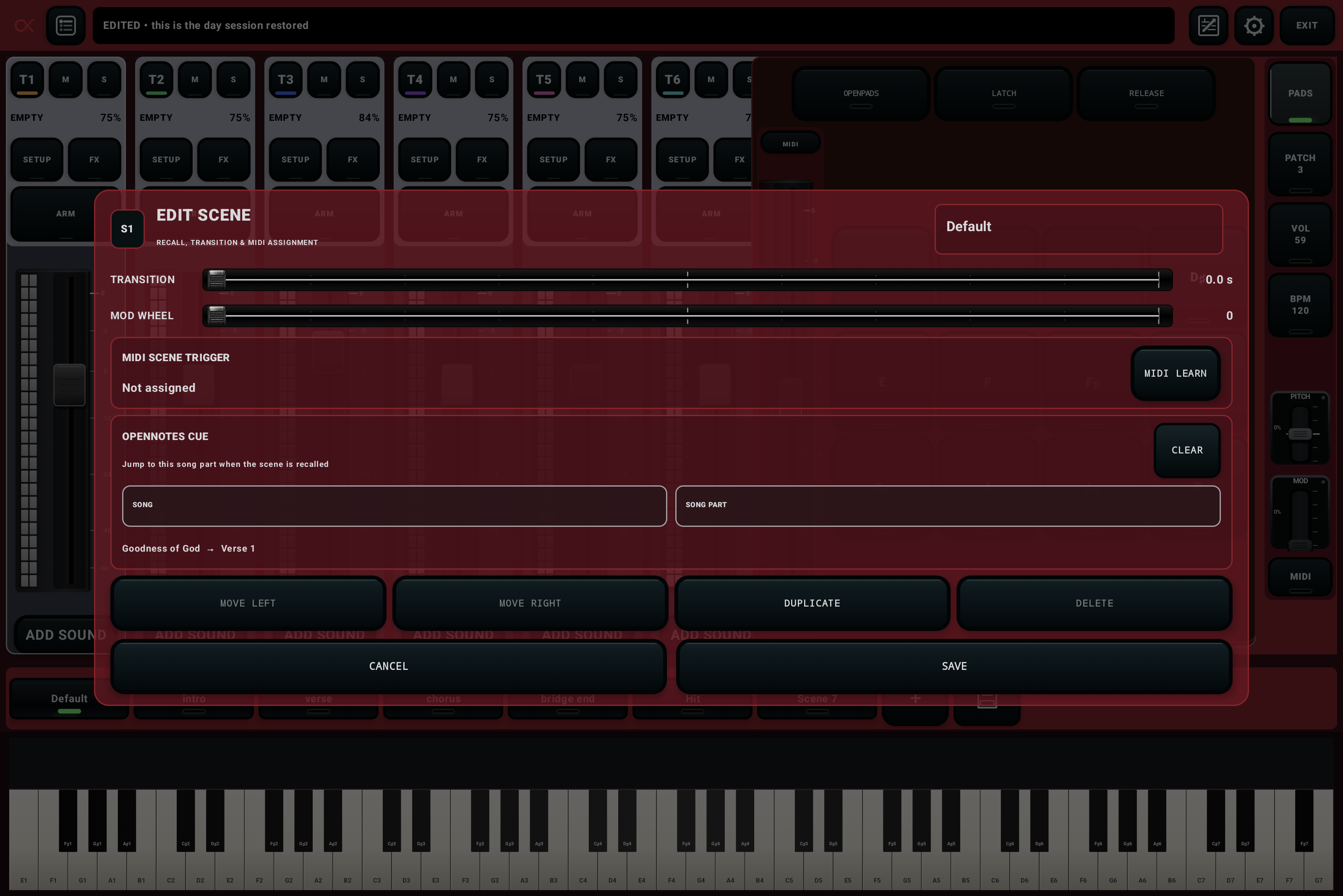
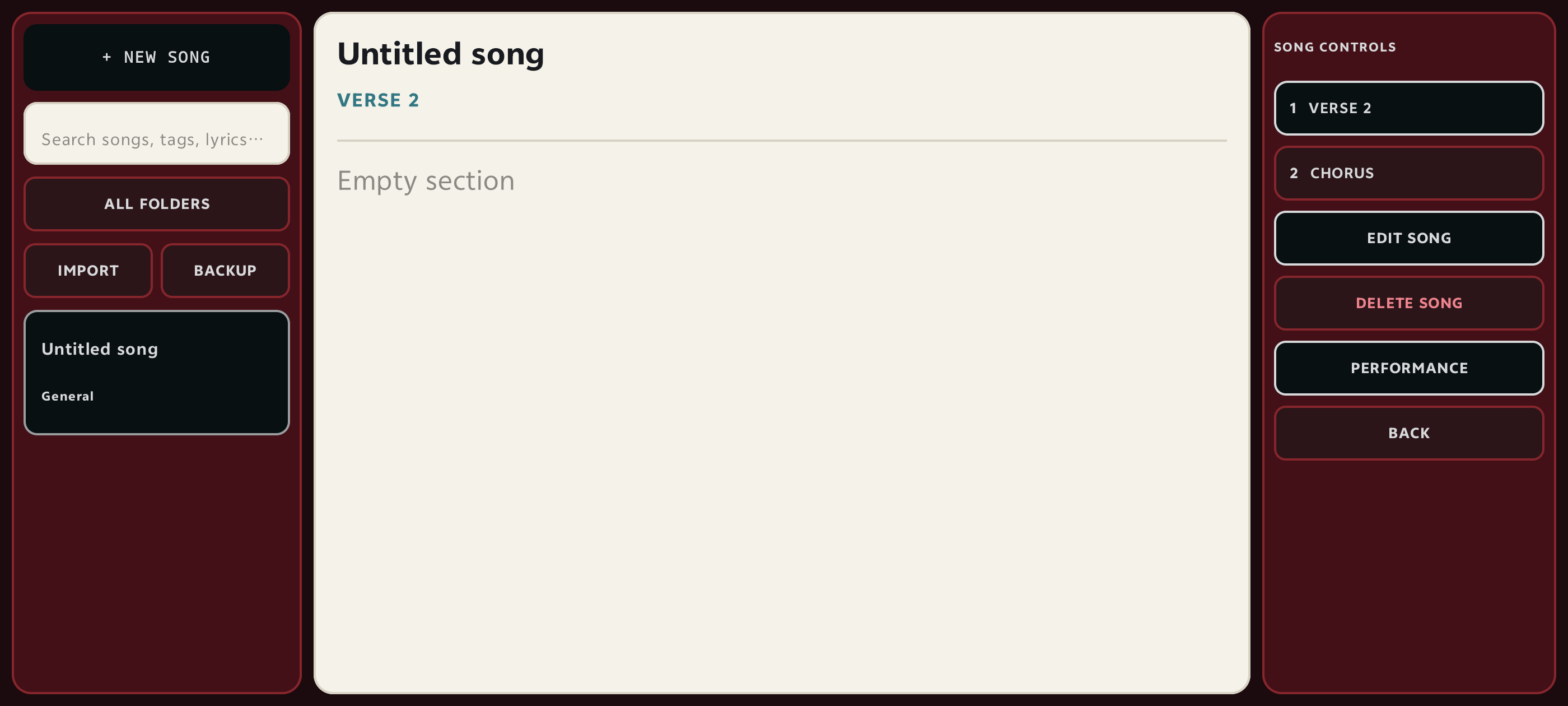
Confirm the active setlist and patch. Recall the scene, inspect its stored mixer state and OpenNotes cue, repair the binding, save it, switch away, and recall it again.
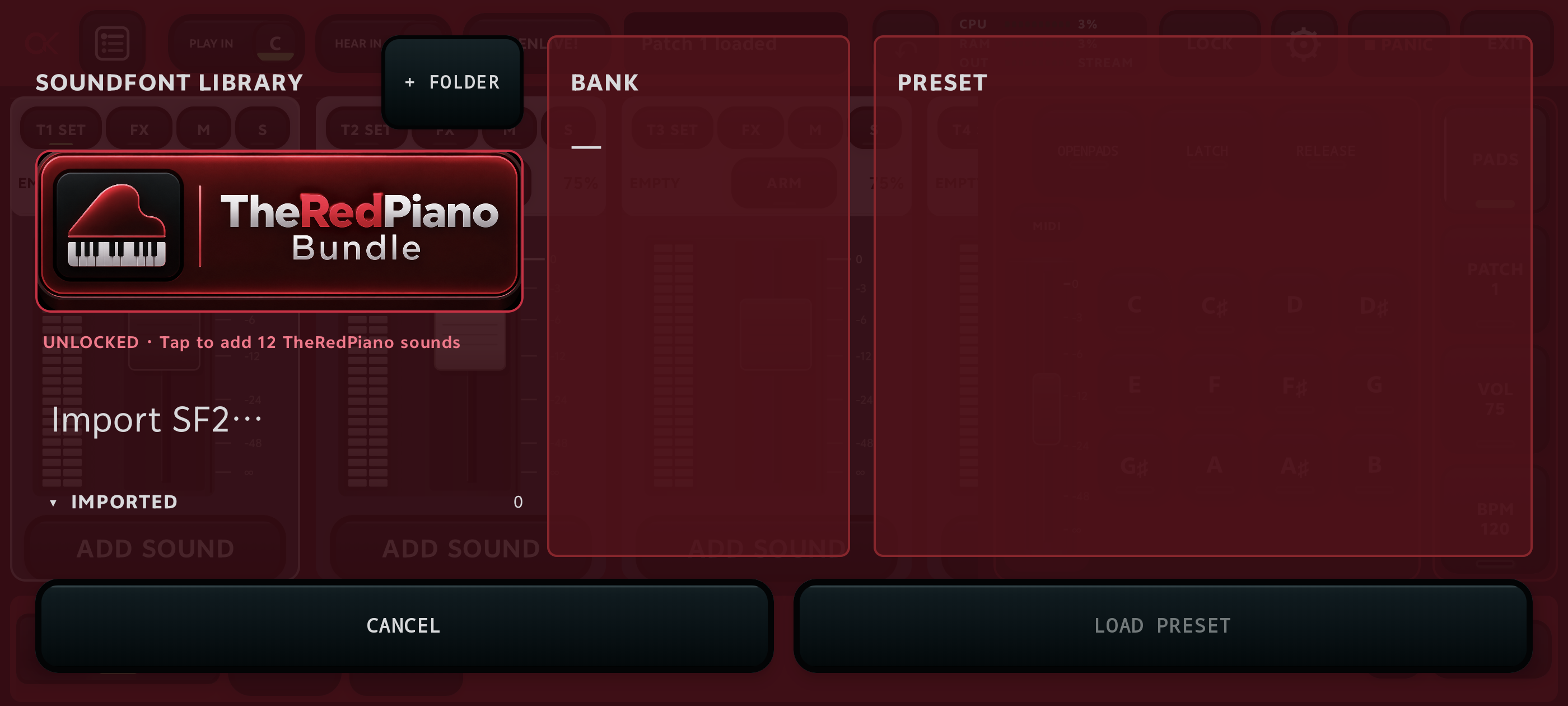
A SoundFont is missing
Check whether the source file was moved, renamed, or deleted. Restore it to its stable location or select it again, save the patch, and reopen it to verify.
OpenPads is unavailable
Confirm the currently selected audio configuration and the feature access reported by the installed build. Do not switch audio modes mid-performance; use the prepared fallback instead.
Performance is using too much CPU or RAM
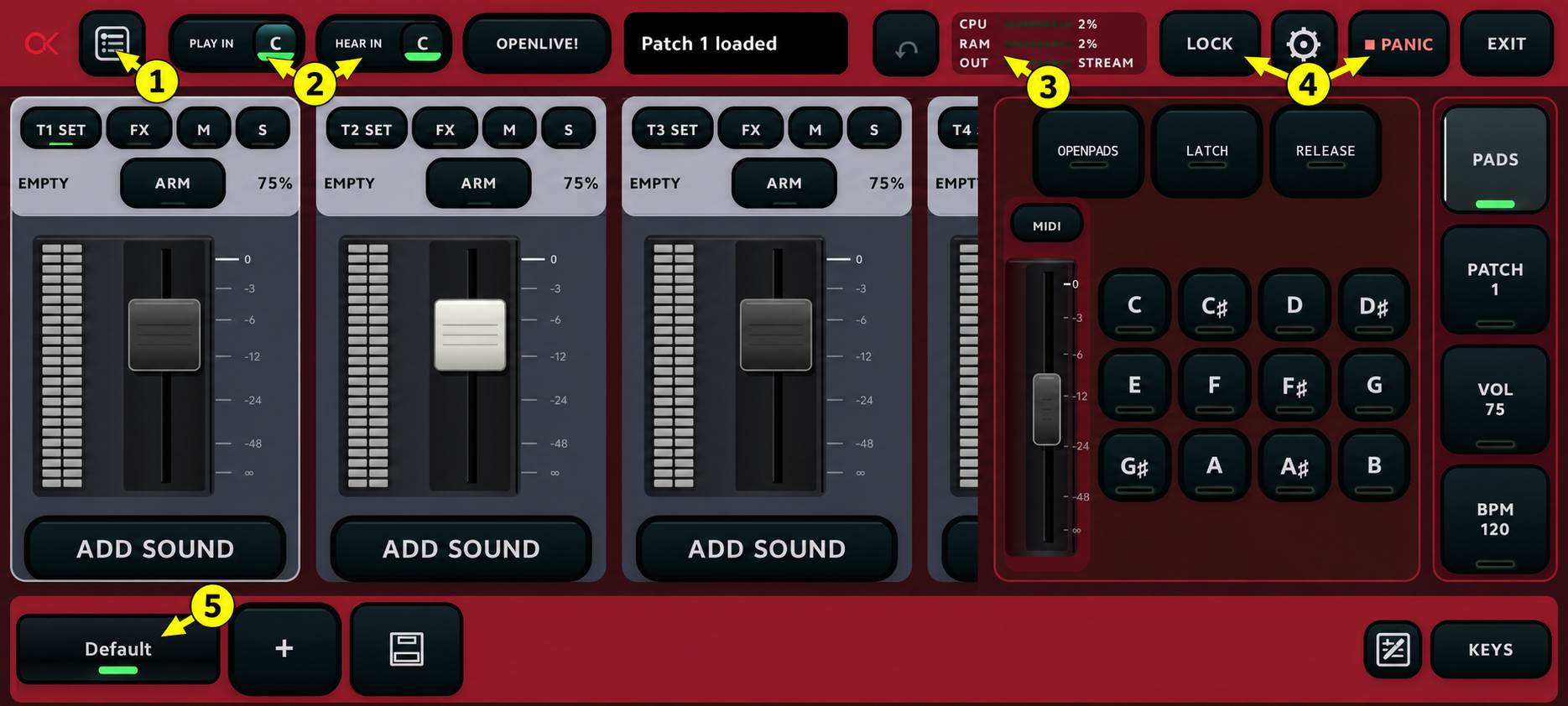
Test the largest scene, remove unused layers, shorten or bypass unnecessary effects, use smaller required SoundFonts, and choose a safer buffer mode. Rehearse after each single change.